
Best Office Layouts for a Productive, Adaptable Workplace
The layout of an office does more than just hold desks and chairs. It shapes how people collaborate, where deep work gets done, and how a company adapts to change. A great office layout supports your culture, keeps people engaged, and scales with growth. The challenge is balancing openness with privacy, collaboration with focus, and cost with comfort. Below are the most effective layouts you’ll see in modern offices, along with when they shine, common pitfalls, and practical tips to make them work for your team.

Open-Plan / Collaborative Layout
What it is: Long rows or clusters of desks with minimal walls, designed to enable quick conversations and spontaneous collaboration.
Pros
- Fosters quick communication and teamwork.
- Maximizes floor space and can feel more energetic and inclusive.
- Easier to reconfigure as teams shift.
Cons
- Noise and visual distractions can hurt focus.
- Some employees may feel exposed or exposed to interruptions.
When it shines
- Creative, design, and sales teams that rely on rapid feedback.
- Startups or fast-growing teams that prioritize collaboration over privacy.
- Use zones: dedicate specific areas for heads-down work and others for collaboration.
- Add sound-absorbing materials: carpets, ceiling tiles, acoustic panels, and upholstered furniture.
- Create “quiet corners” with taller furniture or screens for focused work.
- Introduce visual cues to signal when someone is in deep work mode (e.g., desk nameplates, signals, or status indicators).
Activity-Based Work Layout
What it is: A campus-like approach with distinct zones for different activities—focus, collaboration, socializing, and breakout work—often with a mix of furnishings and clever wayfinding.
Pros
- Supports varied work styles within one space.
- Encourages collaboration in the right spaces and privacy when needed.
- Flexible by design; easy to reallocate areas without major construction.
Cons
- Requires thoughtful planning and clear usage guidelines.
- Can feel chaotic if zones aren’t well defined or poorly signed.
When it shines
- Teams with a mix of roles: developers who need deep focus, marketers who need collaboration, and managers who host meetings.
- Companies undergoing frequent project shifts or process changes.
Practical Tips
- Map activities to spaces: designate dedicated rooms or zones for focus, meetings, quick huddles, and social areas.
- Plan sightlines and wayfinding: clear arrows, color-coded zones, and signage help people find the right space quickly.
- Invest in flexible furnishings: height-adjustable desks, mobile whiteboards, and movable screens to morph spaces as needs change.
- Consider acoustics in open areas: soft furnishings, wall panels, and ceiling treatments to keep background noise manageable.
Cellular Private Offices / Mixed Privacy Layout
What it is: A mix of private offices or enclosed workstations with doors, balanced by shared spaces for meetings and collaboration.
Pros
- Strong privacy and reduced interruptions for deep work.
- Clear delineation between management and staff in many designs.
Cons
- Can feel isolating and reduce spontaneous collaboration if overused.
- Higher real estate costs per employee and potential underutilization.
When it shines
- Roles that require confidentiality or extensive concentration (legal, finance, R&D, senior leadership).
- Teams that need predictable meeting rooms and private spaces for sensitive conversations.
- Blend with open, collaborative zones to avoid isolation.
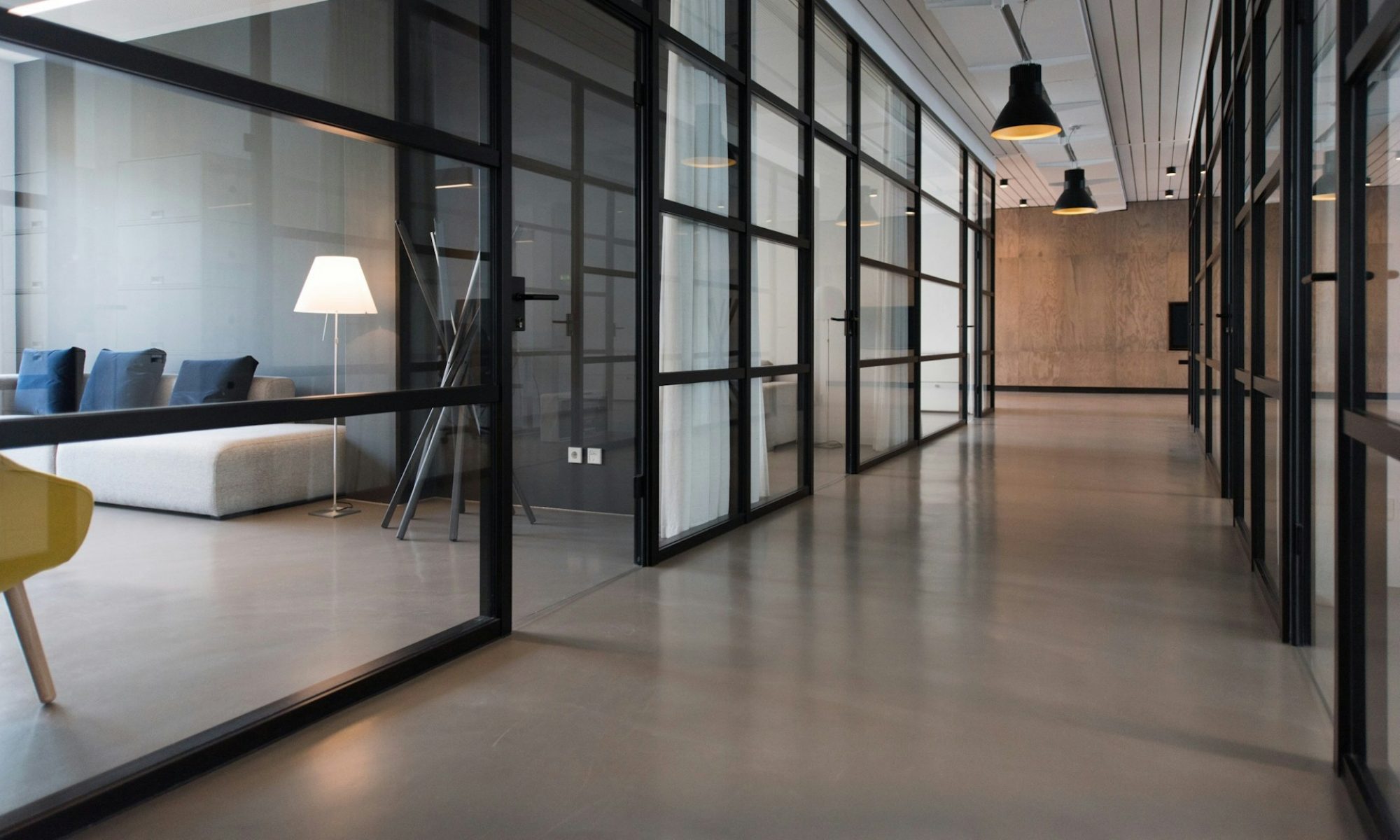
- Use glass or transparent partitions to maintain a sense of openness while preserving privacy.
- Create “office adjacencies” for quick interactions: place meeting rooms and quiet rooms near teams to minimize long walks.
Hybrid / Breakout-Heavy Layout
What it is: A flexible mix of small nooks, breakout lounges, informal seating, and short-task desks designed to support quick, informal work sessions and meetings.
Pros
- Encourages informal collaboration and rapid problem-solving.
- Feels modern and approachable, often improving employee satisfaction.
Cons
- Can suffer from underuse if spaces aren’t inviting or properly scheduled.
- Requires ongoing management to keep reservation systems simple and fair.
When it shines
- Teams that brainstorm frequently, run standups, or host clients in-house.
- Organizations embracing agile, sprint-based workflows.
Practical tips
- Offer a spectrum of breakout formats: high-top tables for quick chats, lounge seating for relaxed discussions, and semi-enclosed nooks for privacy.
- Implement a simple booking or “first-come, first-served” system to avoid crowding and overlap.
- Provide writing surfaces and digital collaboration tools in breakout areas to capture ideas quickly.
Modular / Flexible Layouts with Movable Walls
What it is: Floor plans built with demountable walls, modular furniture, and easy-to-reconfigure components that evolve with your business.
Pros
- Extremely adaptable to headcount changes or new workflows.
- Protects long-term space value by enabling reconfiguration rather than relocation.
Cons
- Higher initial investment and planning effort.
- Requires ongoing management to keep the space coherent.
When it shines
- Growing companies, firms that pivot often, or businesses planning frequent internal reorganizations.
- Spaces that host rotating teams or cross-functional projects.
Practical tips
- Plan for scalable zones: design core areas that can be expanded with modular inserts.
- Choose modular furniture with multiple configurations to support different activities.
- Keep electrical, data, and HVAC in mind; plan for future needs when you install partitions.
Deskless / Hot-Desking Layout
What it is: A system where employees don’t have assigned desks; they choose a workstation when they arrive, often guided by a booking app.
Pros
- Maximizes real estate efficiency; good for hybrid or remote-heavy teams.
- Encourages movement and interaction across departments.
Cons
- Personalization can be tough; some people struggle to leave belongings behind.
- Requires strong IT and facilities support to manage bookings, equipment, and entry access.
When it shines
- Companies with strong hybrid work policies or limited on-site needs.
- Teams that travel between client sites or work remotely part