Review of Progress: Recurring Tasks, Deadlines, Projects,

Vacation Binder – Away from Desk Binder – Schedule a Meeting for next week. May use this jpg.

Meeting Itinerary: The Handover Alignment For Planned Absence Vacation

Duration: 45–60 Minutes Meeting Length

Goal: Clarify ownership, finalize deadlines, and pause / Notify Delay of Implementation of New Projects

TimeSegmentPurpose
00-05 minCountdownState departure/return dates and “hard stop” time to meeting attendees.
05-20 minStatusHigh-level overview of what will be finished vs. what is paused or delayed during absence.
20-40 minDelegation During AbsenceAssigning contact person for specific tasks or workflow while absent
40-50 minEmergency ProtocolDefining what constitutes an actual emergency while the Desk is on Vacation
50-60 minQ&A / FeedbackClear up any ambiguity with the team and take notes to add to Vacation Binder

Layout of the Presentation Slides

Slide 1: Out of Office Logistics

  • Dates: [Start Date] to [Return Date].
  • Last Available Hour: [e.g., Friday at 3:00 PM].
  • Communication Status: “Fully Offline” (highly recommended) or “Emergency Only.”

Slide 2: Before Vacation Completion Goals

  • List 3–5 high-priority items to be completed before leaving.
  • Q & A on Tasks to be completed, delegation if necessary to team members to ensure completion.

Slide 3: Work on Hold

  • List projects that are paused while on vacation.
  • Provide a restart date for project items and update clients with update right before absence.

Slide 4: Delegation & Ownership

  • Task A: [Point Person Name] – responsible for [specific output].
  • Task B: [Point Person Name] – responsible for [specific output].
  • Internal Approvals: Pre-approval for Point Person A and Point Person B for certain tasks.

Slide 5: Triage & Escalation

  • Step 1: Discuss the Vacation Binder and how to find information on your projects.
  • Step 2: Contact and operational questions in your Binder
  • Step 3: Contact and upper level management that might need to be contacted.
  • Emergency Contact: Only to be used if Contact Persons are unable to respond.
  • Update your Email Signature: Mention your upcoming absence and What the focus of your work is for your clients.
  • Record Loom Videos: For complex tasks you are delegating ensure your department as an alternative person with similar skill levels to complete the tasks.

Vacation Binder | Checklist for Departure

Part 1: Your Personal “Desk Exit” Checklist

Go through this checklist:


Out of Office Checklist Section of your Binder – THE DEPARTURE CHECKLIST

Dates Away: [Start Date] to [Return Date]

Priority Tasks in Progress to be Monitored

  • Task: [e.g., The Monthly Report]
  • Status: [e.g., 80% done; just needs Friday’s data.]
  • Action Needed: [e.g., Please hit ‘Send’ on Monday morning.]

Key Contacts & Stakeholders for Each project – Notification that desk is on Vacation –

  • If [Client/Boss Name] calls, tell them: [Instructions].
  • For urgent issues regarding [Project X], contact: [Name of backup person].

Where to Find Things. Verify Locations and Update Records

  • Physical Files: Located in [Drawer/Folder Name].
  • Digital Files: Saved on the shared drive at: [Pathway/Link].
  • Passwords/Keys: [Mention if they are with the Manager or in the secure lockbox].

Emergency Contacts at WORK for your Desk

  • Please only contact me for: [e.g., True emergencies / Don’t contact me at all!]
  • Best way to reach me: [Phone number/Email].

Create Notes for my Return Section with a Tab. Make sure your Colleagues know they may add notes to your Binder.

Notes for My Return: Please jot down anything major that happened here so I can catch up quickly and anything you may need accomplished which is not urgent but has a deadline.

Outline for the Project Presentation | 30 Day Vacation Prep

Use this to build your 30-minute project update. Reserve the conference room for one hour. Aim for 10–12 slides to allow at least 10 minutes for Q&A. Here is a structured template you can use to organize your presentation:

TEMPLATE for PRESENTATION TO COLLEAGUES

1. Title & High-Level Status (1 Slide)

  • Project Name: [Insert Name]
  • Presenter: [Your Name]
  • Overall Health of the Project: Use a “Stoplight” indicator (Green/Yellow/Red).
  • TL;DR: One sentence on where the project stands today.

2. Objectives & Scope Reminder (1 Slide)

  • The “Why”: A brief reminder of the problem this project solves.
  • Key Goals: 2–3 bullet points on the primary outcomes you are driving toward.
  • Note: Keep this brief—most colleagues will already have the context.

3. Recent Wins & Milestones (2 Slides)

  • What’s been delivered: List 3–5 key accomplishments since the last update.
  • Impact: Briefly mention how these wins move the needle (e.g., “Feature X is now live, reducing latency by 15%”).
  • Visuals: If possible, include a screenshot, a brief demo clip, or a chart showing progress.

4. Current Workstream & Timeline (2 Slides)

  • The Roadmap: A simple Gantt chart or chevron diagram showing where you are in the timeline.
  • In-Progress: What the team is actively “heads-down” on this week.
  • Upcoming Milestones: What is due in the next 30 days.

5. Metrics & Performance (1–2 Slides)

  • The Data: Show progress against your KPIs. Use simple, clean charts.
  • Trends: Are numbers moving in the right direction? Explain any significant spikes or dips.

6. Challenges, Risks & Blockers (2 Slides)

  • Current Blockers: Issues currently stopping progress that need immediate attention.
  • Anticipated Risks: Potential hurdles on the horizon (e.g., “Resource shortage in Q3”).
  • Mitigation Plan: What you are doing to address these risks.

7. Key Asks & Next Steps (1 Slide)

  • The “Ask”: I’m going on Vacation. What do you need before I leave. Be specific. Do you need a budget approval, a technical review, or a decision on a specific feature?
  • Action Items: Who is doing what next while I’m away.

8. Q&A and Discussion (1 Slide)

  • Leave this slide up during the discussion.
  • Prompting Questions: If the room is quiet, have 1–2 questions ready to spark conversation

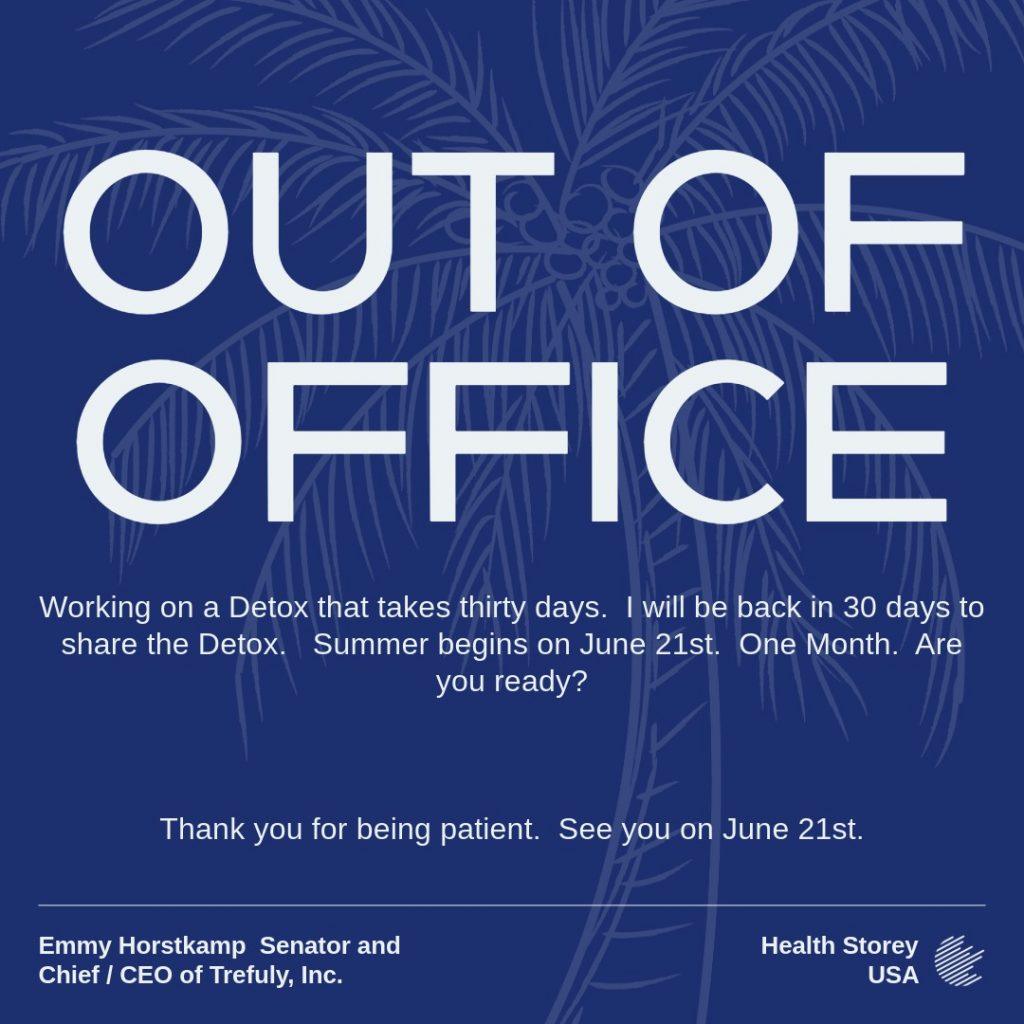
Jpg for Vacation Notice on Desk and on Email

You are welcome to use this JPG for your vacation notice at work and on your email. Post the image on your desk while you are away.

Option 1 which is best for general office environments and external clients.

Subject: Out of Office: [Your Name] | [Start Date] – [End Date]

Hello,

Thank you for your email. I am currently out of the office for vacation and will not have access to my email. I plan to respond to all messages in the order they were received when I return on [Return Date] or they may be answered by a work colleague.

If you require immediate assistance, please reach out to [Colleague’s Name] at [Colleague’s Email]. Otherwise, I look forward to catching up with you soon.

Best regards,

[Your Name]


Option 2 is best for internal teams or fast-paced environments where brevity is king.

Subject: [days] until [Return Date]

Hi there,

I’m away on vacation from [Start Date] to [End Date].

For anything urgent regarding [Project Name], please contact [Colleague’s Name]. For everything else, I’ll get back to you as soon as I’m back at my desk.

Thanks!

[Your Name]


Option 3 is best if you are managing specific deadlines or high-priority accounts.

Subject: Out of Office notice: [Your Name]

Hi,

I am taking some time off starting [Start Date] and will be back on [Return Date].

While I’m away, the following people are covering my active projects:

  • For [Project A]: Contact [Name]
  • For [Project B]: Contact [Name]
  • For Billing/Invoices: Contact [Name]

I will be sure to follow up on any pending items once I return.

Best,

[Your Name]

Financials in Binder when Away from DESK at Work | 30 Day Prep

When leaving financial responsibilities in the hands of coworkers, the goal is to provide access without overexposure. Here is a checklist of the financial info you should leave on your desk in your binder before you head out:

The “Immediate Action” List

This is for anything with a hard deadline that falls during your vacation dates.

  • Pending Approvals: List any invoices, expense reports, or payroll runs that need a “green light” while you’re gone.
  • Maturity Dates: If you manage short-term investments or CDs, note if any are set to roll over or expire.
  • Auto-Pay Confirmations: A quick list of what should happen automatically so they can double-check the “Monarchy” is actually running itself.

Access & Authentication

  • Emergency Contact for Banks: Don’t leave your full account numbers out, but do leave the name and direct line of your Relationship Manager or dedicated bank contact.
  • Token/MFA Protocol: If your system requires a physical security key or a “soft token” on a phone, ensure you’ve designated a backup person who has been granted “Proxy Access” through the bank’s portal (never share your own password!).
  • Software Logins: Ensure they have access to the accounting software (QuickBooks, Xero, etc.) under their own credentials.

The Guide When Something Goes Wrong

  • Threshold Limits: “If an emergency expense is under a corporate mandated amount, it is approved by corporate. If it’s over, call [X person].”
  • Fraud Contacts: The direct number for the bank’s fraud department in case a suspicious transaction appears on the corporate card while you’re offline.
  • Vendor List: A “Who’s Who” of your most important suppliers, so if a vendor calls claiming they haven’t been paid, your coworker knows exactly who to check with.

What to Keep Off Your Desk

For the sake of security make sure these stay away from your Work Desk.

  • Personal Financial Documents: Bank statements, tax returns, or payroll stubs that show your specific salary and personal finances.
  • Physical Checks: Never leave a “signed blank check” or even a book of unsigned checks in an unlocked drawer at work.
  • Master Passwords: Keep them away from the binder if work colleagues do not need access to the data.

Do Not Take a Work Phone | 30 Day Vacation Prep

Note:  I take a vacation phone and buy an unlimited SIM for the phone.  Even with this strategy, I run out of data and sometimes have to buy additional data.   In the United States, the SIM I purchased from Europe was unlimited data which cost around 60 dollars.   Use an old unlocked phone and leave your other phones at home.

Spend today working on what you need to have from work desk and work phone on your vacation phone and make a note in your binder that you do not have your work phone with you on vacation.

The Ultimate Travel Hack: Offline Maps

The single best way to save data is to download your destination maps over Wi-Fi before you leave your hotel room. Open Google Maps, tap your profile picture, and select Offline maps. Tap Select Your Own Map and move the square over the city or region you’re visiting. Your phone will use the saved map on your storage instead of downloading it over the air. You still get turn-by-turn driving directions and can search for addresses without using a single kilobyte of data.

You won’t get live traffic updates or alternate “faster” routes unless you turn your data back on.

Do Not Use the Satellite View

If you like seeing the actual rooftops and trees while you drive, you are using roughly 10x more data than the standard “Map” view. To fix this,  tap the “layers” icon in the diamond stack on the map and ensure it is set to Default rather than Satellite. Standard navigation uses about 5MB per hour; Satellite can easily jump to 50MB+ per hour.

Activate WIFI Mode – Purchase WIFI Pass

Google Maps has a specific setting that forces the app to only use your downloaded offline maps, even if your cellular data is turned on for other apps. Tap your profile picture > Settings > Toggle on Wi-Fi only. This prevents the app from “checking in” with servers constantly for minor updates.  Xfinity has a US network pass that costs under 15 dollars a month.


4. Watch the Data Drain

Often, it isn’t just Google Maps eating your 50GB—it’s the apps running in the background while you navigate. 

Background App Refresh: Disable this in your phone settings for social media and video apps. They often “pre-load” videos while you’re driving so they’re ready for you to watch later.

Photo Syncing: Ensure Google Photos or iCloud is set to not back up photos/videos over cellular. If you take 4K videos of your vacation, they could eat through several gigabytes in minutes.

Leaving the Personal Hotspot OFF – Be Careful. I left on my personal hotspot and my computer decided to use my phone data instead of my Xfinity plan. Now, I have 20 days of slow speed phone but a fast internet from Wifi. If you want to only buy one SIM, you can take your regular phone and keep the personal hotspot on and let the other phone use blue tooth to access social media and other fun apps not on the SIM phone.

Template for Out of the Office Binder | Begin 30 Days to Being Away Detox |

Out of Office Binder

1. The “Big Picture” Calendar

Duration: Time gone from office.

Key Deadlines: [Insert specific dates for reports, filings, or launches].

Meetings: List recurring invites and assigned leads.

2. The Handover Map

Topic A: [Colleague Name] — [Email]

Topic B: [Colleague Name] — [Email]

Topic C: [Colleague Name] — [Email]

3. Project Status Sheets

Project Name: [Insert]

Status: Green / Yellow / Red

Next Steps: [First action item upon departure]

File Path: [Shared Drive Location]

4. SOPs & Vault

Logins: [Location of Password Manager]

Software Guides: [Links to internal Wiki or PDFs]

Workarounds: [Tips for specific client quirks or technical bugs]

5. Contact Directory

Vendors: [Name] — [Phone/Email]

Clients: [Name] — [Phone/Email]

6. Emergency Protocol

Actual Emergency: [Define specific scenarios, e.g., legal issues, data breach].

Who to Call: [Supervisor Name/Contact].

Trail Contact: [Satellite Messaging Info, if applicable].

8. Financial & Tax Calendar (Self-Employed S-Corp)

Quarterly Estimated Taxes: Check if a Form 1040-ES or State payment is due (typically April 15, June 15, or Sept 15).

Payroll: If part of your job, ensure your owner-draw or salary payroll is scheduled/automated.

Annual Reports: Verify if your Secretary of State annual registration is due.


Insurance: Confirm professional liability/malpractice insurance is set to autopay.

This is for the whole week. If you want to feel less stressed at work while prepping for vacation, spend this month stress detoxing by reducing the amount of junk food.

We will be eating steamed rice, margarine with olive oil, eggs and three to four cups of coffee with real milk and sugar.

All these ingredients help build up your immune system and detox your adipose layer.

For thirty days, you will eat vegetarian friendly foods to reduce exposure to extra chemicals and toxins found in processed meats etc.

Normal Work Meeting Frequency in the USA | Lent Prep | Easter Prep |

Standard Meeting Cadences

Meeting TypeFrequencyPrimary Purpose
1:1 (Manager/Report)Weekly or Bi-weeklyCareer development, roadblocks, and personal check-ins.
Casual Water Cooler MeetingDaily (15 mins)Quick tactical alignment: “What did I do, what will I do, Issues?
Team Staff MeetingWeeklyHigh-level project updates & department news.
Project SyncWeekly or Bi-weeklySpecific look into a live project with a cross-functional group.
Monthly All-HandsMonthlyCompany-wide transparency, big wins, and long-term strategy positive meeting – never negative.
RetrospectivePost-Project or QuarterlyReviewing what went well and what needs to change for the next project.

For Home life, I have been sharing content on this blog for family relationship dynamics.