
I usually am not talking about my personal life but I am putting a little note in today, I have been appointed as Senator of Georgia, USA which is an inherited seat. I will be working in DC and Atlanta starting this month. Because of this unexpected change in my career path caused by inheritance, HealthStoreyUSA’s launch is delayed until I hire staff to work in my place.
Sincerely, Dr. Emmy Ann Horstkamp, JD, Senator from Georgia, Chief of Tribe America.
Here is a seven week schedule to prepare for a Trip. It is written for going on a honeymoon but the system work for everyone. Have fun this week! I’m working on stuff and will be back to Writing on Feb 1st.
Daily goals to get you travel-ready and eating more vegetables this February.
As you plan trips and look toward a healthier routine, this week’s newsletter brings you a practical, easy-to-follow prep plan. We’ve lined up daily goals to get your space, your packing, and your meals on track—plus a February veggies spotlight to keep your plate vibrant even while you’re on the go.
This Week’s Daily Goals
– Monday, January 26: Empty Trash from House
– Tuesday, January 27: Organize a Drawer
– Wednesday, January 28: Vacuum the House
– Thursday, January 29: Prepare to Leave on a Trip
– Friday, January 30: Organize Travel Bags, Clean Them
– Saturday, January 31: Travel Luggage for a Weekend
– Sunday, February 1: February is About Eating More Vegetables
Healthy Travel Prep: Quick Tips
– Hydration on the go: Carry flavour packets. My favourite drink mix contains 3 grams of electrolytes that hydrate and add flavour to city tap water or bottle of water you purchase at the store. If you are packing light, you do not need to bring your own drink containers on your trip.
– Smart Lunch options: Before lunch or dinner, eat a handful of nuts to add protein to your meal. While traveling, your meals may not be as balanced or may contain less protein than at home.
-Focus on Neat Movement: You will be on a flight, spend the time at the airport standing or walking around. Track your mileage on your phone. Make sure to use the bathroom before getting on the plane and limit what you eat while flying. Grab a beverage when you land to drink while going through customs and picking up your luggage.
Sleep: Take ear buds and a travel pillow. You can buy a travel pillow at the airport for around ten dollars and give it to someone as a gift. Once you are at your destination, stay awake as long as you can to avoid jet lag. Carry a compact eye mask, earplugs, a small pillow, and a reusable tote for day trips.
Travel health kit: Grab the first aid kit you created for traveling and make sure it includes: basic bandages, antiseptic wipes, pain relievers, any personal meds, homemade ginger candy.
Focus of February 2026 Daily Goals
Vegetables
– Veggies of the Month: Bok choy Mushrooms, Peppers and Lettuce. Each week the focus will be on adding vegetables to our rice for breakfast and lunch.
Topics for Feb: Quick Prep for Veggies, Storage ideas and nutritional information and research on different vegetables being added into the Daily Story month.
Best Office Layouts for a Productive, Adaptable Workplace
The layout of an office does more than just hold desks and chairs. It shapes how people collaborate, where deep work gets done, and how a company adapts to change. A great office layout supports your culture, keeps people engaged, and scales with growth. The challenge is balancing openness with privacy, collaboration with focus, and cost with comfort. Below are the most effective layouts you’ll see in modern offices, along with when they shine, common pitfalls, and practical tips to make them work for your team.
Open-Plan / Collaborative Layout What it is: Long rows or clusters of desks with minimal walls, designed to enable quick conversations and spontaneous collaboration.
Pros
Fosters quick communication and teamwork.
Maximizes floor space and can feel more energetic and inclusive.
Easier to reconfigure as teams shift.
Cons
Noise and visual distractions can hurt focus.
Some employees may feel exposed or exposed to interruptions.
When it shines
Creative, design, and sales teams that rely on rapid feedback.
Startups or fast-growing teams that prioritize collaboration over privacy.
Use zones: dedicate specific areas for heads-down work and others for collaboration.
Create “quiet corners” with taller furniture or screens for focused work.
Introduce visual cues to signal when someone is in deep work mode (e.g., desk nameplates, signals, or status indicators).
Activity-Based Work Layout What it is: A campus-like approach with distinct zones for different activities—focus, collaboration, socializing, and breakout work—often with a mix of furnishings and clever wayfinding.
Pros
Supports varied work styles within one space.
Encourages collaboration in the right spaces and privacy when needed.
Flexible by design; easy to reallocate areas without major construction.
Cons
Requires thoughtful planning and clear usage guidelines.
Can feel chaotic if zones aren’t well defined or poorly signed.
When it shines
Teams with a mix of roles: developers who need deep focus, marketers who need collaboration, and managers who host meetings.
Companies undergoing frequent project shifts or process changes.
Practical Tips
Map activities to spaces: designate dedicated rooms or zones for focus, meetings, quick huddles, and social areas.
Plan sightlines and wayfinding: clear arrows, color-coded zones, and signage help people find the right space quickly.
Invest in flexible furnishings: height-adjustable desks, mobile whiteboards, and movable screens to morph spaces as needs change.
Consider acoustics in open areas: soft furnishings, wall panels, and ceiling treatments to keep background noise manageable.
Cellular Private Offices / Mixed Privacy Layout What it is: A mix of private offices or enclosed workstations with doors, balanced by shared spaces for meetings and collaboration.
Pros
Strong privacy and reduced interruptions for deep work.
Clear delineation between management and staff in many designs.
Cons
Can feel isolating and reduce spontaneous collaboration if overused.
Higher real estate costs per employee and potential underutilization.
When it shines
Roles that require confidentiality or extensive concentration (legal, finance, R&D, senior leadership).
Teams that need predictable meeting rooms and private spaces for sensitive conversations.
Blend with open, collaborative zones to avoid isolation.
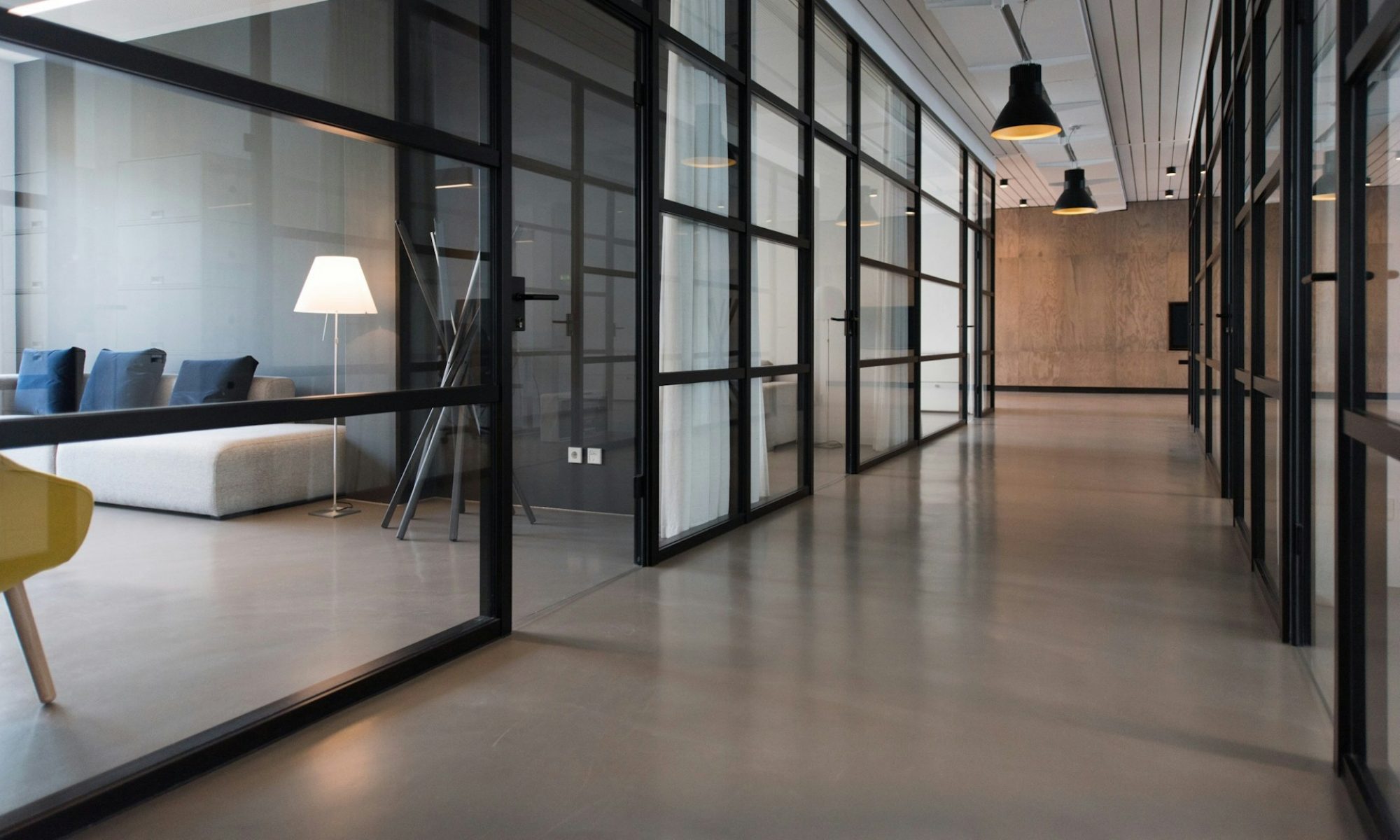
Use glass or transparent partitions to maintain a sense of openness while preserving privacy.
Create “office adjacencies” for quick interactions: place meeting rooms and quiet rooms near teams to minimize long walks.
Hybrid / Breakout-Heavy Layout What it is: A flexible mix of small nooks, breakout lounges, informal seating, and short-task desks designed to support quick, informal work sessions and meetings.
Pros
Encourages informal collaboration and rapid problem-solving.
Feels modern and approachable, often improving employee satisfaction.
Cons
Can suffer from underuse if spaces aren’t inviting or properly scheduled.
Requires ongoing management to keep reservation systems simple and fair.
When it shines
Teams that brainstorm frequently, run standups, or host clients in-house.
Offer a spectrum of breakout formats: high-top tables for quick chats, lounge seating for relaxed discussions, and semi-enclosed nooks for privacy.
Implement a simple booking or “first-come, first-served” system to avoid crowding and overlap.
Provide writing surfaces and digital collaboration tools in breakout areas to capture ideas quickly.
Modular / Flexible Layouts with Movable Walls What it is: Floor plans built with demountable walls, modular furniture, and easy-to-reconfigure components that evolve with your business.
Pros
Extremely adaptable to headcount changes or new workflows.
Protects long-term space value by enabling reconfiguration rather than relocation.
Cons
Higher initial investment and planning effort.
Requires ongoing management to keep the space coherent.
When it shines
Growing companies, firms that pivot often, or businesses planning frequent internal reorganizations.
Spaces that host rotating teams or cross-functional projects.
Practical tips
Plan for scalable zones: design core areas that can be expanded with modular inserts.
Choose modular furniture with multiple configurations to support different activities.
Keep electrical, data, and HVAC in mind; plan for future needs when you install partitions.
Deskless / Hot-Desking Layout What it is: A system where employees don’t have assigned desks; they choose a workstation when they arrive, often guided by a booking app.
Pros
Maximizes real estate efficiency; good for hybrid or remote-heavy teams.
Encourages movement and interaction across departments.
Cons
Personalization can be tough; some people struggle to leave belongings behind.
Requires strong IT and facilities support to manage bookings, equipment, and entry access.
When it shines
Companies with strong hybrid work policies or limited on-site needs.
Teams that travel between client sites or work remotely part
If your desk looks like a library explosion every tax season, this post is for you. A tidy paperwork system saves time, protects your privacy, and makes audits less stressful. The goal isn’t to become a paper minimalist overnight, but to set up a straightforward rhythm: decide what to keep, securely dispose of what you don’t, and digitize receipts so nothing slides into chaos.
Title: Shred, Recycle, and Relax: A Simple Guide to Tidy Paperwork
The core idea for today’s hour: shred, recycle, and organize with a purpose
Shred: anything that contains sensitive personal or financial data (SSN, bank accounts, passwords, etc.).
Recycle: what isn’t sensitive and can’t impact your finances or legal obligations.
Organize: what you need to keep for audits, taxes, warranties, and compliance.
Digitize where possible: scan documents you need to keep and store them securely.
What to avoid
Don’t keep everything “just in case.” Most documents have a practical retention window. Holding on indefinitely creates clutter and risk.
Don’t mix sensitive papers with general recycling. A pile of unshredded papers can expose you to identity theft and data breaches.
Don’t staple and binder-clip everything into one giant folder. It makes shredding and scanning harder, and important items can get buried.
Don’t rely on memory or scattered notes for audit-related items. If it’s needed for legal or tax purposes, store it in a labeled, retrievable place.
Don’t ignore digital privacy bits. Even digital receipts can contain sensitive information; plan how you store and delete digital copies too.
What to keep for auditing
Audits (tax, legal, or financial) typically require documentation that proves your numbers and decisions. A practical rule of thumb is to keep supporting documents for a reasonable window and then consolidate into a retention plan. When in doubt, consult a CPA or your legal advisor.
Common categories to retain
Tax returns and supporting documents (receipts, invoices, mileage logs): keep at least 7 years. This aligns with many tax professionals’ guidance and can help if the IRS questions past filings.
Invoices and financial records (vendor invoices, receipts for business expenses): keep 7 years.
Bank statements and reconciliations: keep 7 years.
Contracts and legal documents: keep the life of the contract plus 7 years.
Payroll records and wage statements: keep a minimum of 7 years.
Insurance policies and claim records: keep through the policy period plus about 6 years.
Asset purchase, depreciation, and title documents: keep for as long as you own the asset, plus 7 years after disposition.
Warranties and product manuals related to business assets: keep for as long as you own the item or as long as the warranty lasts.
Retention needs can vary by business type, state requirements, and specific tax rules. If you’re unsure, a quick consult with a CPA can set a precise schedule tailored to you.
[pms-restrict]
WorkFlow
How to handle receipts without the mess The easiest way to stay on top of receipts is to combine habit with a simple system. Here’s a reliable, scalable approach:
Decide what to keep and digitize
For every purchase, decide if the receipt is tax-deductible, a warranty item, or needed for returns. If yes, plan to keep it. If not, you can usually recycle after digitizing.
Use a receipt management app or scan key receipts right away.
Digitize with a consistent naming and filing system
Use a mobile scanning app or a dedicated scanner to create clear PDFs or images.
What are we writing about today? Building a calm, productive home office with smart layout, clever storage, and simple maintenance habits that keep clutter at bay—without sacrificing style or comfort.
Monday : Daily Health Storey Goal | Clear off your desktop for one hour.
Working from home can blur the line between living space and workspace, which often leads to clutter creep. The goal isn’t a sterile office; it’s a space that feels calm, functions efficiently, and still reflects your personality. Below is a practical guide to designing a home office that stays neat through smart layout, thoughtful storage, and easy maintenance routines.
[pms-restrict]
Start with your needs and the space you have
Define purpose: writing, video calls, design work, or a combo. Your workflow dictates furniture and storage choices.
Measure and plan: note doorways, window light, and power outlets. Sketch a simple layout with a desk, chair, and at least one storage solution.
Consider traffic flow: leave at least 3 feet of clear space for movement and easy access to frequently used items.
Pick a layout that minimizes clutter
Desk against a wall with clearance behind you for movement and cable routing.
Corner or L-shaped setups for compact rooms that still offer generous work surface.
Wall-mounted options: fold-down desks or wall shelves to maximize floor space in small rooms.
Create clear work zones
Work zone: primary desk surface for computer, keyboard, and task tools.
Storage zone: filing cabinets, shelves, and labeled containers within arm’s reach.
Focus/meeting zone: a small area free of nonessential items for calls or quick brainstorms.
Personal zone: one or two items that bring you joy but don’t overwhelm the space.
Desk and surface essentials for a tidy vibe
Choose a clean, unobtrusive desk: simple lines, a finish that hides fingerprints, and enough depth for monitors.
Minimalist monitor setup: one or two screens, neatly mounted if possible, to reduce desk clutter.
Surface discipline: limit to essentials only—monitor, keyboard, a notebook or planner, and one decorative but compact item.
Smart storage that actually gets used
Vertical solutions: tall bookcases, wall-mounted shelves, or pegboards to keep items off the desk.
Hidden storage: under-desk drawers, rolling carts, or slim filing cabinets for papers.
Clear labeling: use consistent labels for folders, boxes, and bins to speed up tidying.
Drawer strategy: implement multi-compartment organizers for pens, cables, and supplies.
Cable management that makes a difference
Centralize power: use a single power strip with a tidy cord sleeve.
Route cords out of sight: clips, channels, and adhesive cable organizers along the desk edge or behind the desk.
Wireless first: where possible, choose wireless peripherals and cloud-based workflows to reduce cables.
Hide the chaos: a shallow cable box or basket keeps cords contained and out of view.
Personalization, but keep it calm
One or two meaningful items: a small photo frame, a single plant, or a favorite trophy—kept tidy and minimal.
Plant life: choose a low-maintenance plant to add life without creating mess or extra care.
Color restraint: a cohesive palette (2–3 colors) for accessories helps the space feel intentional and serene.
Lighting and ergonomics for long work sessions
Natural light first: place the desk near a window if possible, but avoid screen glare.
Task lighting: a good desk lamp with adjustable brightness reduces eye strain.
Ergonomics: monitor at eye level, chair supports your lower back, and keyboard/mouse within easy reach to prevent clutter and fatigue.
Maintenance routines that keep neatness effortless
Daily 5-minute reset: close the laptop, return items to their designated spots, and straighten the desk.
Weekly tidy: purge old papers, dust surfaces, and wipe down electronics.
Monthly deep clean: clean monitor screens, keyboards, and refresh storage zones if you notice drift or dust buildup.
Quick digital tidy: routinely organize files in the cloud or on your computer to prevent “digital clutter” that mirrors physical clutter.
Small-space hacks that really work
Foldable or wall-mounted desk options for ultra-tight rooms.
Stackable storage or modular units that can be reconfigured as needs change.
Floating felt or cork boards for notes and inspiration without taking up desk real estate.
Use color-weighted cues: match the color of storage bins to the wall to create a seamless, less cluttered look.
A simple, repeatable routine you can actually keep
The 10-minute Friday reset: clear the week’s leftovers, archive completed tasks, and prep the space for Monday.
The “one-touch” rule for paperwork: deal with a document the first time you touch it (file, action, or discard).
The weekly inventory check: ensure you aren’t accumulating unused gadgets or supplies.
If you share the space or have a multi-use room
Separate visually: use a small area rug, curtain, or room divider to define the office area.
But keep it practical: ensure you still have easy access to shared items and maintain a tidy, respectful zone for others.
The Desk Plan
Clear, measure, and draft a simple layout.
Choose storage solutions and implement a clean desk policy.
Route cables and install a discreet cable management system.
Add one plant and a small personal item.
Set up a daily 5-minute reset routine.
Create a weekly 15-minute tidy ritual.
Review usability and adjust zones or storage as needed.
Before and after: visualizing the transformation
Before: a crowded desk with loose papers, tangled cables, and a hodgepodge of items.
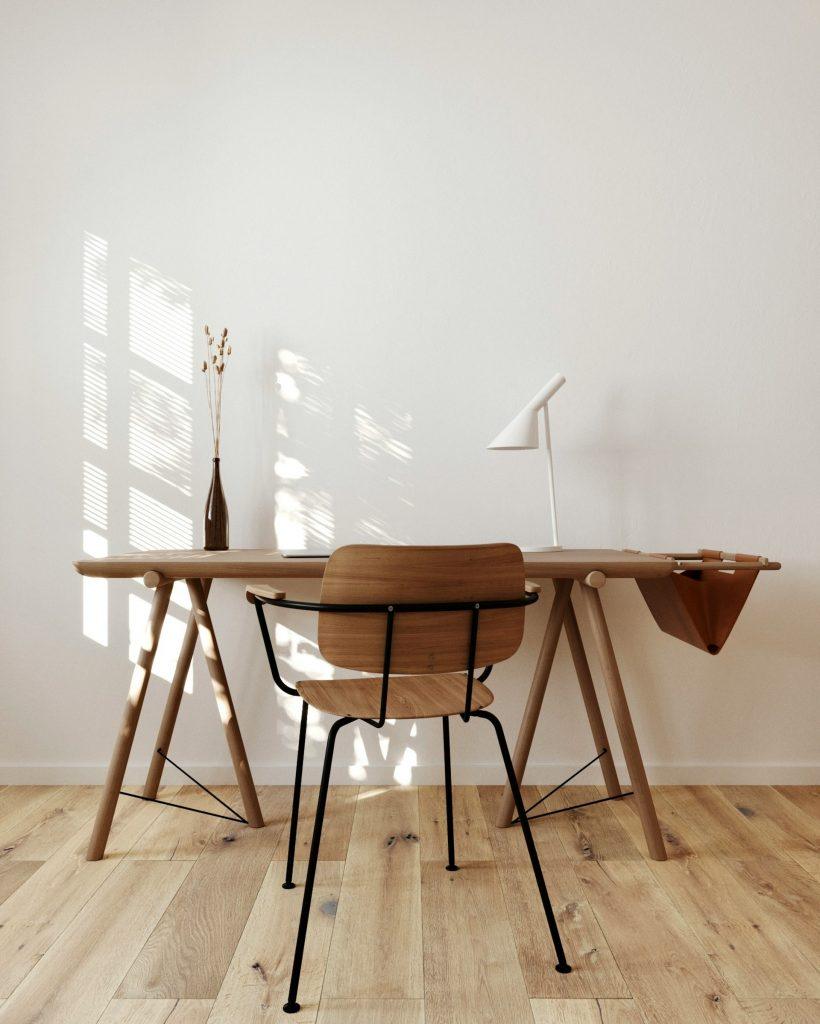
After: a calm, organized space with a clean desk surface, clearly labeled storage, and a couple of personal touches that don’t overwhelm.
Practical tips to maximize impact
Stick to a consistent color palette for accessories to create a cohesive look.
Invest in one high-quality, functional item (chair, desk mat, or storage unit) to reduce clutter and improve usability.
Let the space reflect your workflow—don’t display items you don’t use regularly.
Keep an inbox tray or digital inbox for incoming items
Laundry 101: What to Wash, How to Choose Detergents, and How to Dry Things Right
Laundry Lab: Washing Everything That Belongs in the Washer
Keeping a busy home fresh and organized starts with smart washing and drying habits. In this issue, we simplify what can go in your washer, which detergents to use, and which fabrics should stay out of the dryer or need special care. Quick tip: always check garment care labels first—they’re the best guidance for each item.
Section 1: What can go in the washer
– Everyday cottons and linens: shirts, jeans, towels, bed sheets. Use warm or cold water depending on soil level and colorfastness; wash darks separately from lights.
– synthetics and blends (polyester, nylon, spandex): generally fine on cold or warm cycles; many hold color well.
– Delicates and sweaters: use a gentle or delicate cycle; consider a mesh bag for small items.
– Athletic wear: wash in cold water to protect elasticity; avoid fabric softeners which can reduce moisture-wicking.
– Kids’ clothing and bibs: follow label care; use fragrance-free detergent if there are sensitivities.
– Bedding and bath towels: can often handle warm water; use a longer cycle for bulky items.
– How to sort: by color (lights, darks, bright colors), by fabric type (delicates separately), and by soil level (heavy soils separate from lightly soiled items).
Section 2: Detergents to use
– Types of detergents:
– Liquid detergents: great for greasy stains and pre-treating; easy to measure.
– Powder detergents: often cost-effective; good for hard water when paired with a water-softening booster.
– Detergent pods/pacs: convenient, but use only one per load and keep out of reach of kids.
– Fragrance-free or dye-free options: better for sensitive skin or households with allergies.
– High-efficiency (HE) washers vs standard machines:
– If you have an HE washer, use HE detergents. They produce fewer suds and work best with reduced water.
– If you have a standard washer, regular detergents work fine, but follow the label for the correct amount.
– How much to use:
– Follow the product label; a typical small-to-medium load often uses less than the cap suggests.
– For hard water, you may need a little more detergent or a water-softening booster.
– Special boosters (optional):
– Oxygen-based bleach for whites and color-safe brightening (avoid chlorine bleach on colored fabrics and delicate fibers).
– Stain pretreaters for tough spots (grease, wine, grass). Test on hidden seam first.
– Tips for sensitive households:
– Choose fragrance-free, dye-free detergents.
– Rinse cycles matter; extra rinse can help remove detergent residue that irritates skin.
Section 3: What can be dried in the dryer vs. what should air-dry
– Dryer-friendly items (low to medium heat; shorter cycles help extend life):
– Most cottons and poly-cotton blends
– Synthetic fabrics (polyester, nylon blends)
– Towels and bath sheets
– Sweatshirts and fleece (watch for pilling)
– Delicates and items to air-dry or lay flat:
– Wool and cashmere sweaters (lay flat to preserve shape)
– Silk, satin, and delicate tops (use a lingerie bag or air-dry)
– Rayon/viscose and some duplex fabrics (check care label; many are air-dry only)
– Certain knitted patterns and beaded garments (premature shrinkage risk)
– What “dry-clean only” really means for home laundry:
– Dry-clean-only items should not go in a home washer or dryer unless the care label explicitly says otherwise.
– If you’re ever unsure, test with a small, inconspicuous area or take to a professional cleaner.
– Practical tips to dry efficiently:
– Clean the lint screen before every load to maximize drying efficiency.
– Use the right heat setting: low/air-dry for delicates; medium heat for most cottons; high heat only for sturdy items that tolerate it.
– Use dryer balls or clean tennis balls to help bounce and reduce drying time for bulky items like towels and blankets.
– Remove items promptly to minimize wrinkles; fold or hang after they’re dry.
Section 4: Quick home laundry routine templates
– Everyday casual path: cold wash for most colors, gentle cycle for delicates, air-dry or low-heat for delicate pieces.
– Towels and bedding path: warm wash if soil is moderate, longer dry on medium heat, add dryer balls to speed up drying.
Section 5: Troubleshooting tips
– If colors bleed: wash separate for the first few cycles or use color-catching sheets.
– Lingering odors: rewash with a bit more detergent and add a half cup of baking soda to the wash.
– Clothes shrinking after a warm wash: avoid high heat; re-wet, re-shape, and air dry if possible.
– Detergent residue on clothes: add an extra rinse cycle or run an extra rinse on the machine.
Section 6: A quick care checklist
– Always check care labels before washing.
– Sort by color, fabric type, and soil level.
– Use the appropriate detergent and the recommended dose.
– Match water temperature to the fabric and soil.
– Dry items on the recommended setting; avoid high heat on delicates.
Daily Goals for this Week
Monday – Clear Desk Space
Tuesday – Sort Paperwork
Wednesday – Tidy Desk Drawer
Thursday – Organize Digital Files
Friday – Clean Keyboard
Saturday – Create Functional Workspace
Sunday – Add personal Touches to work space at work and home