

Emergency Contact Sheet | 30 Day Vacation Prep

Emergency Contact Directory

Local Emergency Services

  • Emergency Dispatch (Police/Fire/Ambulance): 911 (or local equivalent)
  • Local Police Department (Non-Emergency): ________________________
  • Local Fire Department (Non-Emergency): ________________________
  • Nearest Hospital/Emergency Room: ________________________________
    • Address: ____________________________________________________
  • Poison Control: ________________________________________________

Emergency Mobile Phone

  • Location of Phone or tablet in desk Drawer: _____________________________________________
  • Phone Passcode: [ ____ ____ ____ ____ ]
  • What is on this phone: This device contains group data for projects, emergency contact numbers for projects, the presentation decks, JPGS to be used with colleagues, graphs, timelines, work focus, other data that might be useful are found on screen folders created for easy management of data.

Personal Emergency Contacts

Primary Contact: ________________________ Phone: ____________________

Secondary Contact: ______________________ Phone: ____________________

Out-of-Area Contact – me on vacation: ____________________ Phone: ________________

Outline for the Project Presentation | 30 Day Vacation Prep

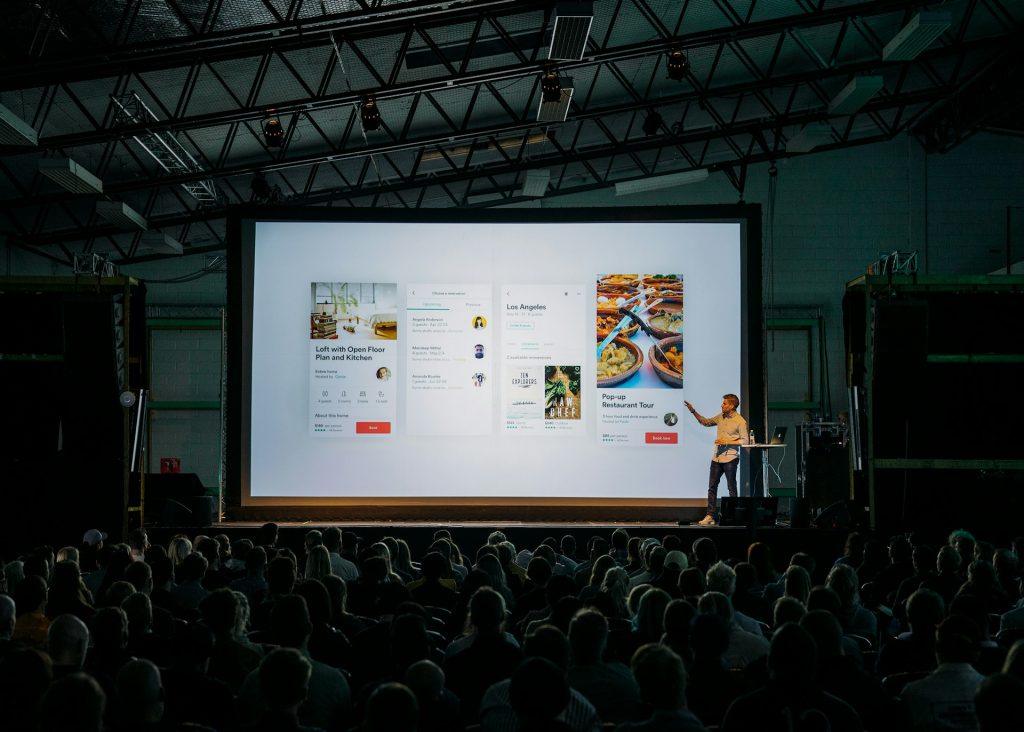
Use this to build your 30-minute project update. Reserve the conference room for one hour. Aim for 10–12 slides to allow at least 10 minutes for Q&A. Here is a structured template you can use to organize your presentation:

TEMPLATE for PRESENTATION TO COLLEAGUES

1. Title & High-Level Status (1 Slide)

  • Project Name: [Insert Name]
  • Presenter: [Your Name]
  • Overall Health of the Project: Use a “Stoplight” indicator (Green/Yellow/Red).
  • TL;DR: One sentence on where the project stands today.

2. Objectives & Scope Reminder (1 Slide)

  • The “Why”: A brief reminder of the problem this project solves.
  • Key Goals: 2–3 bullet points on the primary outcomes you are driving toward.
  • Note: Keep this brief—most colleagues will already have the context.

3. Recent Wins & Milestones (2 Slides)

  • What’s been delivered: List 3–5 key accomplishments since the last update.
  • Impact: Briefly mention how these wins move the needle (e.g., “Feature X is now live, reducing latency by 15%”).
  • Visuals: If possible, include a screenshot, a brief demo clip, or a chart showing progress.

4. Current Workstream & Timeline (2 Slides)

  • The Roadmap: A simple Gantt chart or chevron diagram showing where you are in the timeline.
  • In-Progress: What the team is actively “heads-down” on this week.
  • Upcoming Milestones: What is due in the next 30 days.

5. Metrics & Performance (1–2 Slides)

  • The Data: Show progress against your KPIs. Use simple, clean charts.
  • Trends: Are numbers moving in the right direction? Explain any significant spikes or dips.

6. Challenges, Risks & Blockers (2 Slides)

  • Current Blockers: Issues currently stopping progress that need immediate attention.
  • Anticipated Risks: Potential hurdles on the horizon (e.g., “Resource shortage in Q3”).
  • Mitigation Plan: What you are doing to address these risks.

7. Key Asks & Next Steps (1 Slide)

  • The “Ask”: I’m going on Vacation. What do you need before I leave. Be specific. Do you need a budget approval, a technical review, or a decision on a specific feature?
  • Action Items: Who is doing what next while I’m away.

8. Q&A and Discussion (1 Slide)

  • Leave this slide up during the discussion.
  • Prompting Questions: If the room is quiet, have 1–2 questions ready to spark conversation

Catch-Up Week Before and After Vacation | 30 Day Vacation Prep |

Schedule a Week before Vacation to Catch up and a Week After Vacation for Catch Up on Projects and Schedules

The Golden Rules of Catch-Up Week

  • Declare a “Meeting Holiday”: Block your entire calendar. If possible, set an auto-reply stating you are Preparing for a Presentation.
  • Schedule a Presentation for your Colleagues – Schedule the presentation for the day before you leave- highlighting your projects.
  • No New Projects: The goal is to clearly summarize what you are working on and what you are responsible for in the department / business.

Schedule for Catch Up and Present Week

DayFocusPrimary Objective
MondaySort Your Work into Piles for Slide DecksPut a Notice of Vacation on your email. Delegate email to colleagues starting two weeks before vacation.
TuesdayTackle the first slide deckTackle the single largest Project Milestones and put into a presentation.
WednesdaySlide Deck of Wins from Your DeskClear out small tasks (under 15 mins) in batches while Creating a Win Slide Deck
ThursdayCreate a Slide Deck of Project Goals and what needs to be doneInvite members of your teams to this slide deck presentation.
FridayCountdown StartsSend out emails and invitations to Presentations and Print Slide Decks to hand out to collegeus.

Jpg for Vacation Notice on Desk and on Email

You are welcome to use this JPG for your vacation notice at work and on your email. Post the image on your desk while you are away.

Option 1 which is best for general office environments and external clients.

Subject: Out of Office: [Your Name] | [Start Date] – [End Date]

Hello,

Thank you for your email. I am currently out of the office for vacation and will not have access to my email. I plan to respond to all messages in the order they were received when I return on [Return Date] or they may be answered by a work colleague.

If you require immediate assistance, please reach out to [Colleague’s Name] at [Colleague’s Email]. Otherwise, I look forward to catching up with you soon.

Best regards,

[Your Name]


Option 2 is best for internal teams or fast-paced environments where brevity is king.

Subject: [days] until [Return Date]

Hi there,

I’m away on vacation from [Start Date] to [End Date].

For anything urgent regarding [Project Name], please contact [Colleague’s Name]. For everything else, I’ll get back to you as soon as I’m back at my desk.

Thanks!

[Your Name]


Option 3 is best if you are managing specific deadlines or high-priority accounts.

Subject: Out of Office notice: [Your Name]

Hi,

I am taking some time off starting [Start Date] and will be back on [Return Date].

While I’m away, the following people are covering my active projects:

  • For [Project A]: Contact [Name]
  • For [Project B]: Contact [Name]
  • For Billing/Invoices: Contact [Name]

I will be sure to follow up on any pending items once I return.

Best,

[Your Name]

Financials in Binder when Away from DESK at Work | 30 Day Prep

When leaving financial responsibilities in the hands of coworkers, the goal is to provide access without overexposure. Here is a checklist of the financial info you should leave on your desk in your binder before you head out:

The “Immediate Action” List

This is for anything with a hard deadline that falls during your vacation dates.

  • Pending Approvals: List any invoices, expense reports, or payroll runs that need a “green light” while you’re gone.
  • Maturity Dates: If you manage short-term investments or CDs, note if any are set to roll over or expire.
  • Auto-Pay Confirmations: A quick list of what should happen automatically so they can double-check the “Monarchy” is actually running itself.

Access & Authentication

  • Emergency Contact for Banks: Don’t leave your full account numbers out, but do leave the name and direct line of your Relationship Manager or dedicated bank contact.
  • Token/MFA Protocol: If your system requires a physical security key or a “soft token” on a phone, ensure you’ve designated a backup person who has been granted “Proxy Access” through the bank’s portal (never share your own password!).
  • Software Logins: Ensure they have access to the accounting software (QuickBooks, Xero, etc.) under their own credentials.

The Guide When Something Goes Wrong

  • Threshold Limits: “If an emergency expense is under a corporate mandated amount, it is approved by corporate. If it’s over, call [X person].”
  • Fraud Contacts: The direct number for the bank’s fraud department in case a suspicious transaction appears on the corporate card while you’re offline.
  • Vendor List: A “Who’s Who” of your most important suppliers, so if a vendor calls claiming they haven’t been paid, your coworker knows exactly who to check with.

What to Keep Off Your Desk

For the sake of security make sure these stay away from your Work Desk.

  • Personal Financial Documents: Bank statements, tax returns, or payroll stubs that show your specific salary and personal finances.
  • Physical Checks: Never leave a “signed blank check” or even a book of unsigned checks in an unlocked drawer at work.
  • Master Passwords: Keep them away from the binder if work colleagues do not need access to the data.

Do Not Take a Work Phone | 30 Day Vacation Prep

Note:  I take a vacation phone and buy an unlimited SIM for the phone.  Even with this strategy, I run out of data and sometimes have to buy additional data.   In the United States, the SIM I purchased from Europe was unlimited data which cost around 60 dollars.   Use an old unlocked phone and leave your other phones at home.

Spend today working on what you need to have from work desk and work phone on your vacation phone and make a note in your binder that you do not have your work phone with you on vacation.

The Ultimate Travel Hack: Offline Maps

The single best way to save data is to download your destination maps over Wi-Fi before you leave your hotel room. Open Google Maps, tap your profile picture, and select Offline maps. Tap Select Your Own Map and move the square over the city or region you’re visiting. Your phone will use the saved map on your storage instead of downloading it over the air. You still get turn-by-turn driving directions and can search for addresses without using a single kilobyte of data.

You won’t get live traffic updates or alternate “faster” routes unless you turn your data back on.

Do Not Use the Satellite View

If you like seeing the actual rooftops and trees while you drive, you are using roughly 10x more data than the standard “Map” view. To fix this,  tap the “layers” icon in the diamond stack on the map and ensure it is set to Default rather than Satellite. Standard navigation uses about 5MB per hour; Satellite can easily jump to 50MB+ per hour.

Activate WIFI Mode – Purchase WIFI Pass

Google Maps has a specific setting that forces the app to only use your downloaded offline maps, even if your cellular data is turned on for other apps. Tap your profile picture > Settings > Toggle on Wi-Fi only. This prevents the app from “checking in” with servers constantly for minor updates.  Xfinity has a US network pass that costs under 15 dollars a month.


4. Watch the Data Drain

Often, it isn’t just Google Maps eating your 50GB—it’s the apps running in the background while you navigate. 

Background App Refresh: Disable this in your phone settings for social media and video apps. They often “pre-load” videos while you’re driving so they’re ready for you to watch later.

Photo Syncing: Ensure Google Photos or iCloud is set to not back up photos/videos over cellular. If you take 4K videos of your vacation, they could eat through several gigabytes in minutes.

Leaving the Personal Hotspot OFF – Be Careful. I left on my personal hotspot and my computer decided to use my phone data instead of my Xfinity plan. Now, I have 20 days of slow speed phone but a fast internet from Wifi. If you want to only buy one SIM, you can take your regular phone and keep the personal hotspot on and let the other phone use blue tooth to access social media and other fun apps not on the SIM phone.

Create a Desk Philosophy | 30 Days to Vacation | Detox


Away from your Desk Binder, Create a Desk Philosophy. An example is below:

The Mandate – Why Does Your Job Exist – Your Job Description

Our mission is not merely to maintain uptime, but to ensure the continuity of the institution. We view our technical stack as a modern monument—built with the precision of an architect and the foresight of a historian.


The Core Pillars of Your Job

1. Integrity of My Desk

Example: “We do not build for the next quarter; we build for the next decade. Every project must reflect my personal Standards: clean, documented, and resilient. My desk represents functional Systems not Quick Fixes.

2. Digital Stewardship

My desk is the guardians of certain data and digital legacy. My desk treats security not as a feature, but as a matter of protection of corporate intellectual property and processes. If the data proprietary, my desk is a vault.

3. The Protocol of Innovation

Innovation must be purposeful. My desk does not chase trends for the sake of novelty or a Kudos or a raise. My desk adopts new technology when it strengthens my projects, my desk, my department or enhances the efficiency of maintaining proprietary information and corporate culture.


Code of Conduct Around my Desk

  • Precision over Speed: A mistake is a crack in the foundation of my Vault. My desk measures twice before implementing.
  • Invisible Excellence: The highest form of work from my desk is that which the department notices because it functions flawlessly and is missed when I’m away.
  • Ownership: My desk resolves problems. Every person interacting with my desk is treated as a client and their work is respected as theirs and my work is mine. Our work together is ours.

Archiving and Auditing of Data

  • The Archive: Every major project once completed is entered into the Permanent Digital Record of the corporation to avoid brain drain.
  • Auditing : My desk does not blame others for my mistakes. My desk treats failures as historical lessons to be documented and avoided. Major mistakes are shared with the Public Relations and legal departments for auditing and documentation.

-End of Desk Philosophy –

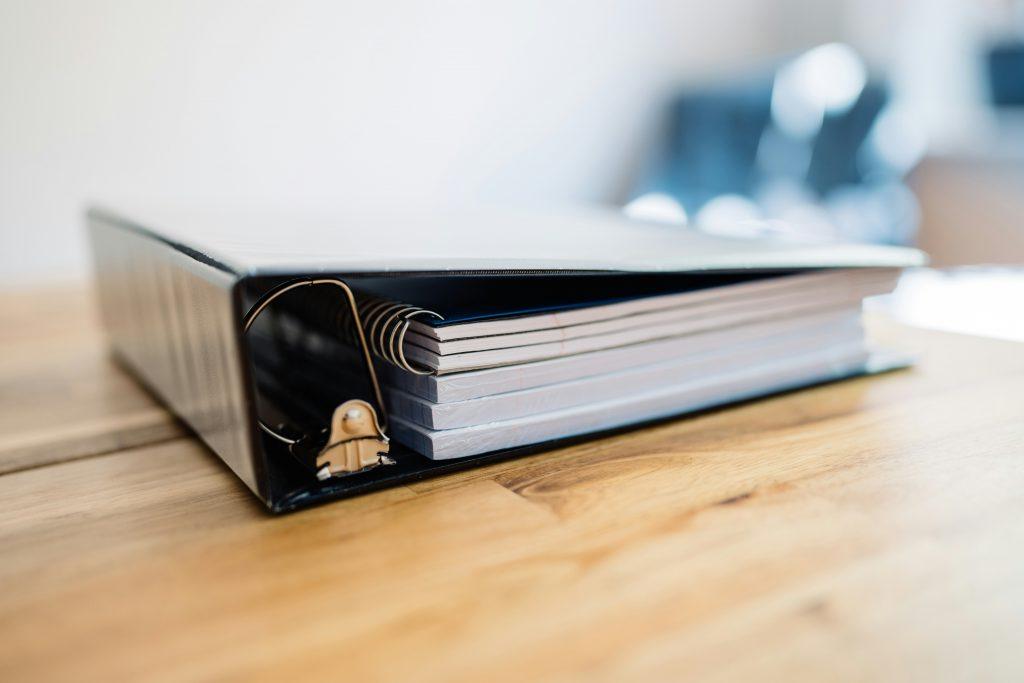
Edit this for your desk, print it and put it in your I’m away from my desk binder.


Are you Detoxing your body for Vacation? Here is a menu to follow.


Breakfast: One cup of rice or a regular sized bowl of rice with an egg and margarine with olive oil.   A cup of coffee with milk. The combination of milk and rice gives you the amino acids you need to rebuild and repair your body.  The margarine helps remove toxins from your bloodstream and fat layer.  The coffee helps burn fat.  You will get used to not having a sweet breakfast but  your brain needs glucose/sugar and that can be added to your coffee. 


Lunch: Repeat or have something else. During Detoxing, your body hates getting rid of chemicals, it is safer for the body to keep them stored in your fat.  If you feel sick, it may be those chemicals being released from medicines and other digested toxins.  If you were a heavy drug user, please contact your doctor.  Side effects from those drugs may appear when detoxing and you may want to have your doctor monitor your blood as you detox.    

Dinner: Cup of Rice and vegetables

For medical advice, please contact a doctor. The health coaching information provided in this post is educational only. I am not your personal health coach but work with your doctor to keep you healthy. Health Storey Coaches request all clients to have a baseline exam with their doctor to make sure they are healthy enough to detox. If you are sick with any serious illness, detoxing must be with a physician monitoring. If you are healthy, make sure your doctor agrees.

Template for Out of the Office Binder | Begin 30 Days to Being Away Detox |

Out of Office Binder

1. The “Big Picture” Calendar

Duration: Time gone from office.

Key Deadlines: [Insert specific dates for reports, filings, or launches].

Meetings: List recurring invites and assigned leads.

2. The Handover Map

Topic A: [Colleague Name] — [Email]

Topic B: [Colleague Name] — [Email]

Topic C: [Colleague Name] — [Email]

3. Project Status Sheets

Project Name: [Insert]

Status: Green / Yellow / Red

Next Steps: [First action item upon departure]

File Path: [Shared Drive Location]

4. SOPs & Vault

Logins: [Location of Password Manager]

Software Guides: [Links to internal Wiki or PDFs]

Workarounds: [Tips for specific client quirks or technical bugs]

5. Contact Directory

Vendors: [Name] — [Phone/Email]

Clients: [Name] — [Phone/Email]

6. Emergency Protocol

Actual Emergency: [Define specific scenarios, e.g., legal issues, data breach].

Who to Call: [Supervisor Name/Contact].

Trail Contact: [Satellite Messaging Info, if applicable].

8. Financial & Tax Calendar (Self-Employed S-Corp)

Quarterly Estimated Taxes: Check if a Form 1040-ES or State payment is due (typically April 15, June 15, or Sept 15).

Payroll: If part of your job, ensure your owner-draw or salary payroll is scheduled/automated.

Annual Reports: Verify if your Secretary of State annual registration is due.


Insurance: Confirm professional liability/malpractice insurance is set to autopay.

This is for the whole week. If you want to feel less stressed at work while prepping for vacation, spend this month stress detoxing by reducing the amount of junk food.

We will be eating steamed rice, margarine with olive oil, eggs and three to four cups of coffee with real milk and sugar.

All these ingredients help build up your immune system and detox your adipose layer.

For thirty days, you will eat vegetarian friendly foods to reduce exposure to extra chemicals and toxins found in processed meats etc.