Vacation Countdown Starts on Monday. 30 Days of Prep to leave your desk and not worry about your projects or colleagues.

Health Storey Daily for Clients
Vacation Countdown Starts on Monday. 30 Days of Prep to leave your desk and not worry about your projects or colleagues.

| Meeting Type | Frequency | Primary Purpose |
| 1:1 (Manager/Report) | Weekly or Bi-weekly | Career development, roadblocks, and personal check-ins. |
| Casual Water Cooler Meeting | Daily (15 mins) | Quick tactical alignment: “What did I do, what will I do, Issues? |
| Team Staff Meeting | Weekly | High-level project updates & department news. |
| Project Sync | Weekly or Bi-weekly | Specific look into a live project with a cross-functional group. |
| Monthly All-Hands | Monthly | Company-wide transparency, big wins, and long-term strategy positive meeting – never negative. |
| Retrospective | Post-Project or Quarterly | Reviewing what went well and what needs to change for the next project. |
For Home life, I have been sharing content on this blog for family relationship dynamics.
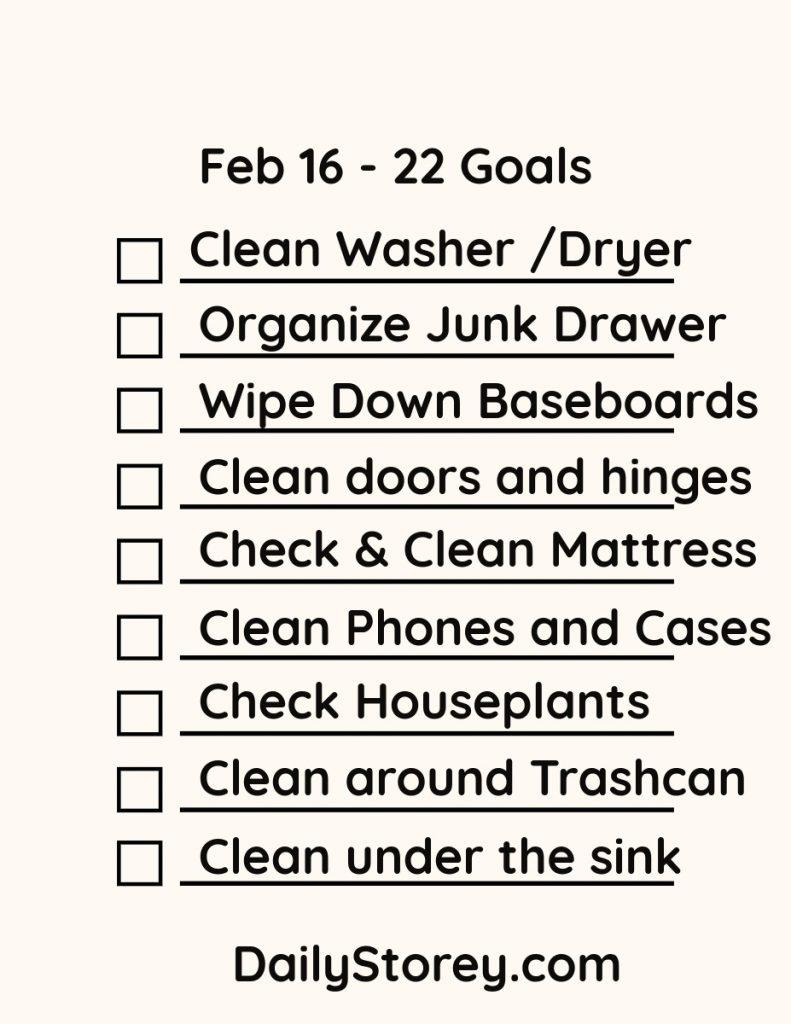
Lent Starts this week. 40 days of sacrifice. For the forty days of daily goals, give time to organizing your life. Tuesday is Mardis Gras!
For Today’s Valentine’s prep create a digital photo collage that tells a story, captures a vibe, or highlights a theme. Here’s a practical guide you can use right away, plus ready-to-use ideas.
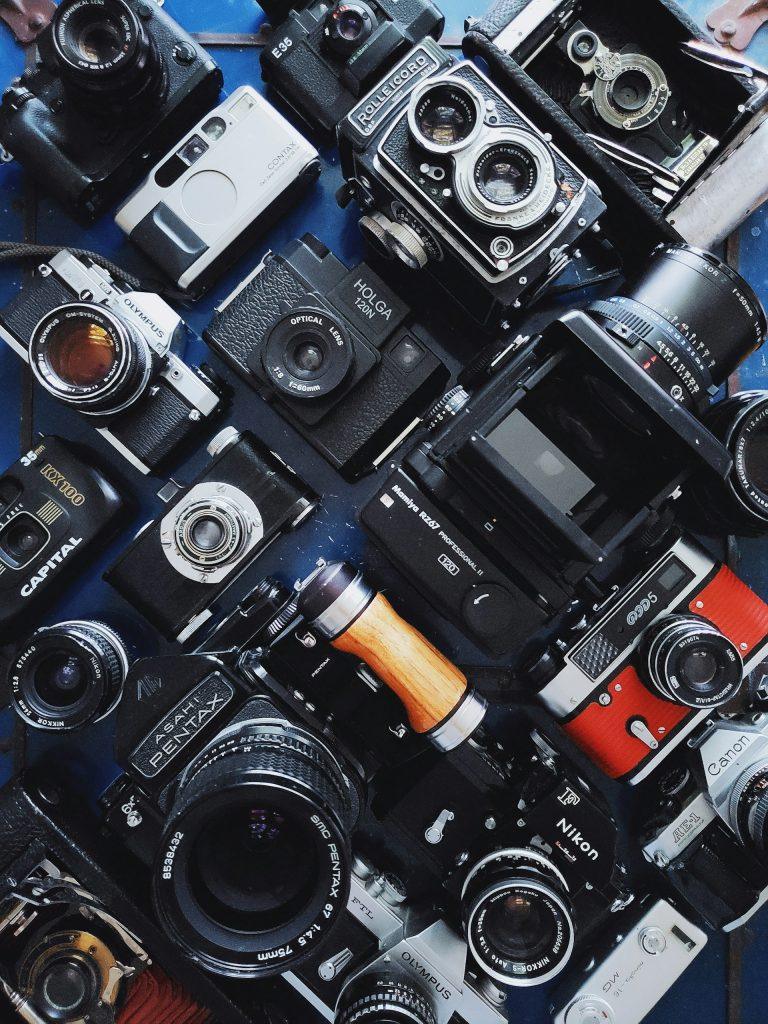
Have a Purpose: Decide what the collage should convey. A memory? A mood? Pick what idea you want to share with the collage.
Choose a Format: Pick the size for the collage. A size that your printer can print makes collaging and framing easiest.
Mix photos to have a variety: Mix the types of photos you are using -wide, medium, close-up. Include both people and context to balance the collage.
Be Cohesive: Use a limited color palette or a single filter, if you are making a digital collage, to make images feel connected.
Text placement: Add a short caption or date if it helps tell the story, but don’t overdo it unless text is part of the collage.
8–15 photos is a good starting range for many templates; fewer for a bold, simple look, more for a full narrative. Include:
1 main image
3–5 supporting images that add context or contrast
2–6 detail shots (textures, objects, places)
Make sure to have a Balanced number of people, places, and things in the photographs to avoid a photo‑heavy collage that feels lopsided.
Choose at least one wide establishing shot and one close‑up or candid moment for the collage.
Check variety in lighting and color to avoid a jarring collage. For examples look at Pintrest or Adobe Express.
Grids: Equal-sized images in a clean grid; good for social posts.
Main photo and a grid: One large center photo with smaller images radiating around it.
Timeline strip: A horizontal or vertical line of images that tells a chronological story.
Overlay and caption: One image with a semi-transparent color wash and a short caption/date. Easy to create with a digital file.
Aspect ratio: Decide early (square for IG posts, 4:3 or 16:9 for prints/wallpaper).
Color: Apply a unifying filter or adjust white balance so skin tones look natural and colors don’t clash.
Borders and shadows: Soft white/gray borders or subtle drop shadows help images separate without feeling busy.
Text: Use 1–2 fonts total; keep captions short (dates, locations, a few words). Ensure readability against any image.
Spacing: Leave consistent margins around images; avoid crowding—negative space helps the collage breathe.
Resolution: Export at least 300 PPI for prints; 1080×1080 or 1920×1080 for social, depending on platform.
– Canva: Large library of collage templates; great for quick, polished results.
– Adobe Creative Cloud Express (formerly Spark): Easy templates and text options.
– Google Photos: Simple collage maker built into Photos app; fast for quick sharing.
1) Define purpose and size: choose your final format (e.g., square 1080×1080).
2) Gather photos: pick 8–15 images that tell the story; grab a main photograph.
3) Pre-edit: lightly crop to the target aspect ratio; adjust exposure/white balance if needed.
4) Choose layout: pick a template or sketch a simple plan (hero center, others around).
5) Arrange and tune: place images, adjust sizes, add a subtle color wash if desired.
6) Add text only if it adds meaning: date, location, short caption.
7) Export: save high-resolution for prints; export optimized size for web.
8) Quick check: view on a phone and on a computer screen to ensure readability and balance.
Here is a seven week schedule to prepare for a Trip. It is written for going on a honeymoon but the system work for everyone. Have fun this week! I’m working on stuff and will be back to Writing on Feb 1st.