


Review of Progress: Recurring Tasks, Deadlines, Projects,

Vacation Binder – Away from Desk Binder – Schedule a Meeting for next week. May use this jpg.

Meeting Itinerary: The Handover Alignment For Planned Absence Vacation

Duration: 45–60 Minutes Meeting Length

Goal: Clarify ownership, finalize deadlines, and pause / Notify Delay of Implementation of New Projects

TimeSegmentPurpose
00-05 minCountdownState departure/return dates and “hard stop” time to meeting attendees.
05-20 minStatusHigh-level overview of what will be finished vs. what is paused or delayed during absence.
20-40 minDelegation During AbsenceAssigning contact person for specific tasks or workflow while absent
40-50 minEmergency ProtocolDefining what constitutes an actual emergency while the Desk is on Vacation
50-60 minQ&A / FeedbackClear up any ambiguity with the team and take notes to add to Vacation Binder

Layout of the Presentation Slides

Slide 1: Out of Office Logistics

  • Dates: [Start Date] to [Return Date].
  • Last Available Hour: [e.g., Friday at 3:00 PM].
  • Communication Status: “Fully Offline” (highly recommended) or “Emergency Only.”

Slide 2: Before Vacation Completion Goals

  • List 3–5 high-priority items to be completed before leaving.
  • Q & A on Tasks to be completed, delegation if necessary to team members to ensure completion.

Slide 3: Work on Hold

  • List projects that are paused while on vacation.
  • Provide a restart date for project items and update clients with update right before absence.

Slide 4: Delegation & Ownership

  • Task A: [Point Person Name] – responsible for [specific output].
  • Task B: [Point Person Name] – responsible for [specific output].
  • Internal Approvals: Pre-approval for Point Person A and Point Person B for certain tasks.

Slide 5: Triage & Escalation

  • Step 1: Discuss the Vacation Binder and how to find information on your projects.
  • Step 2: Contact and operational questions in your Binder
  • Step 3: Contact and upper level management that might need to be contacted.
  • Emergency Contact: Only to be used if Contact Persons are unable to respond.
  • Update your Email Signature: Mention your upcoming absence and What the focus of your work is for your clients.
  • Record Loom Videos: For complex tasks you are delegating ensure your department as an alternative person with similar skill levels to complete the tasks.
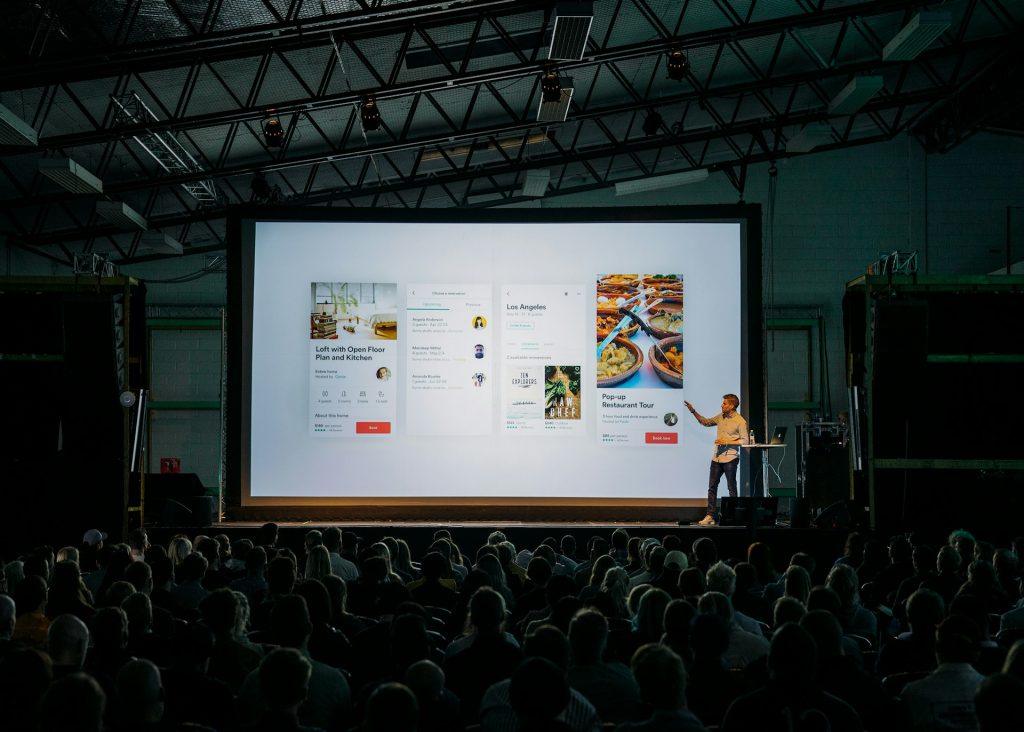

Outline for the Project Presentation | 30 Day Vacation Prep

Use this to build your 30-minute project update. Reserve the conference room for one hour. Aim for 10–12 slides to allow at least 10 minutes for Q&A. Here is a structured template you can use to organize your presentation:

TEMPLATE for PRESENTATION TO COLLEAGUES

1. Title & High-Level Status (1 Slide)

  • Project Name: [Insert Name]
  • Presenter: [Your Name]
  • Overall Health of the Project: Use a “Stoplight” indicator (Green/Yellow/Red).
  • TL;DR: One sentence on where the project stands today.

2. Objectives & Scope Reminder (1 Slide)

  • The “Why”: A brief reminder of the problem this project solves.
  • Key Goals: 2–3 bullet points on the primary outcomes you are driving toward.
  • Note: Keep this brief—most colleagues will already have the context.

3. Recent Wins & Milestones (2 Slides)

  • What’s been delivered: List 3–5 key accomplishments since the last update.
  • Impact: Briefly mention how these wins move the needle (e.g., “Feature X is now live, reducing latency by 15%”).
  • Visuals: If possible, include a screenshot, a brief demo clip, or a chart showing progress.

4. Current Workstream & Timeline (2 Slides)

  • The Roadmap: A simple Gantt chart or chevron diagram showing where you are in the timeline.
  • In-Progress: What the team is actively “heads-down” on this week.
  • Upcoming Milestones: What is due in the next 30 days.

5. Metrics & Performance (1–2 Slides)

  • The Data: Show progress against your KPIs. Use simple, clean charts.
  • Trends: Are numbers moving in the right direction? Explain any significant spikes or dips.

6. Challenges, Risks & Blockers (2 Slides)

  • Current Blockers: Issues currently stopping progress that need immediate attention.
  • Anticipated Risks: Potential hurdles on the horizon (e.g., “Resource shortage in Q3”).
  • Mitigation Plan: What you are doing to address these risks.

7. Key Asks & Next Steps (1 Slide)

  • The “Ask”: I’m going on Vacation. What do you need before I leave. Be specific. Do you need a budget approval, a technical review, or a decision on a specific feature?
  • Action Items: Who is doing what next while I’m away.

8. Q&A and Discussion (1 Slide)

  • Leave this slide up during the discussion.
  • Prompting Questions: If the room is quiet, have 1–2 questions ready to spark conversation